
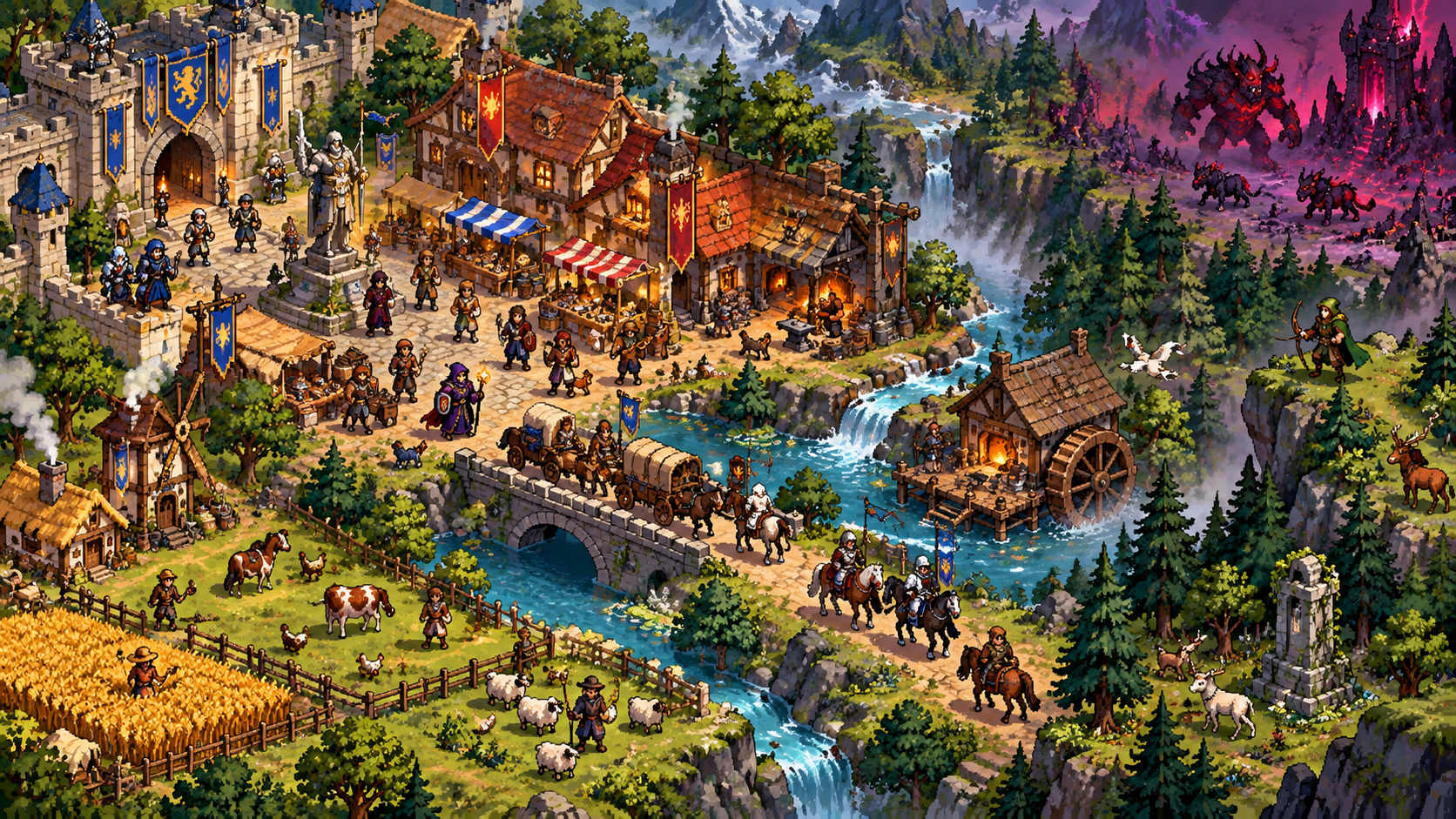
What are prefabs?
The developer defines prefabs as pre-created editor content that can be imported and exported. They were introduced after demo feedback showed that creating every item and configuration manually was overwhelming. Prefabs make detailed custom creation optional rather than removing the editor system.
A prefab is therefore best understood as a reusable starting definition. It is not confirmed to be a locked template, a complete world generator, or code mod. Official patch notes specifically say imported prefab content becomes editable world content.
Confirmed prefab behavior
| Behavior | Officially confirmed | Important limit |
|---|---|---|
| Pre-created content | Prefabs can provide prepared content for editor workflows | The complete Early Access catalog is not published |
| Import and export | The June demo update explicitly describes both | Final UI steps are not documented in a stable manual |
| Default prefab | The demo included a default prefab toggled during world creation | Early Access placement or naming may differ |
| Edit after import | Imported content becomes editable world content | Changes apply to the imported world content; exact reuse rules are undocumented |
| Workshop sharing | The launch announcement names prefabs as a Workshop content type | A public upload/download workflow was not verifiable during this review |
How prefabs fit the editor system
Fantasy World Manager includes separate editors for maps, places, societies, characters, creatures, items, and equipment. The developer originally described prefabs as available for all editors and later announced Workshop sharing for custom content created with the game’s various editors. That makes prefabs a bridge between fast setup and deep customization.
For a new world, a prefab can supply a prepared baseline so you can study how definitions connect. Because imported content remains editable, you can inspect and adapt it instead of treating it as a black box. This is especially useful for learning relationships among races, cultures, religions, factions, NPCs, creatures, and items without inventing a mandatory creation sequence.
Safe guidance for using prefabs
- Use the current in-game tutorial or guidebook to locate prefab controls; official sources do not document a stable final menu path.
- Start with a prepared or default prefab when you want to study a working content set before creating everything manually.
- Inspect imported definitions before changing them so you understand which editor owns each piece of content.
- Test changes in a small world before relying on them in a large simulation.
- For community content, verify the Workshop page is live and read the item description before assuming compatibility.
Official sources
- Fantasy World Manager on Steam — official Early Access description, editor list, platform information, and confirmed scope
- Fantasy World Manager Steam announcements — developer launch posts, demo patch notes, and roadmap clarifications
Frequently asked questions
Are prefabs available in Fantasy World Manager?+
Yes. The official June demo update introduced the prefab system, and later patch notes say imported prefab content becomes editable world content.
Can I edit a prefab after importing it?+
Official patch notes say imported content becomes editable world content. They do not document every editor-specific limitation or a final Early Access workflow.
Does the game include a default prefab?+
The June demo update documented a default prefab that could be toggled during world creation. Check the current Early Access build for its present name and location.
Can prefabs be shared through Steam Workshop?+
The developer announced prefabs as one of three Workshop content types at Early Access launch. The public catalog and exact in-game upload/download workflow were not verifiable when this guide was reviewed.
Related guides
World Editor Guide
Explore the tools for building overworlds, interiors, dungeons, and the places that connect them into a coherent setting.
Steam Workshop Guide
Find the official sharing scope for worlds, prefabs, and custom sprites through Steam Workshop at Early Access launch.
Beginner Guide
Get oriented with the creator-led main mode, major editors, and simulation foundation before shaping your first living fantasy world.