
Confirmed World Editor scope
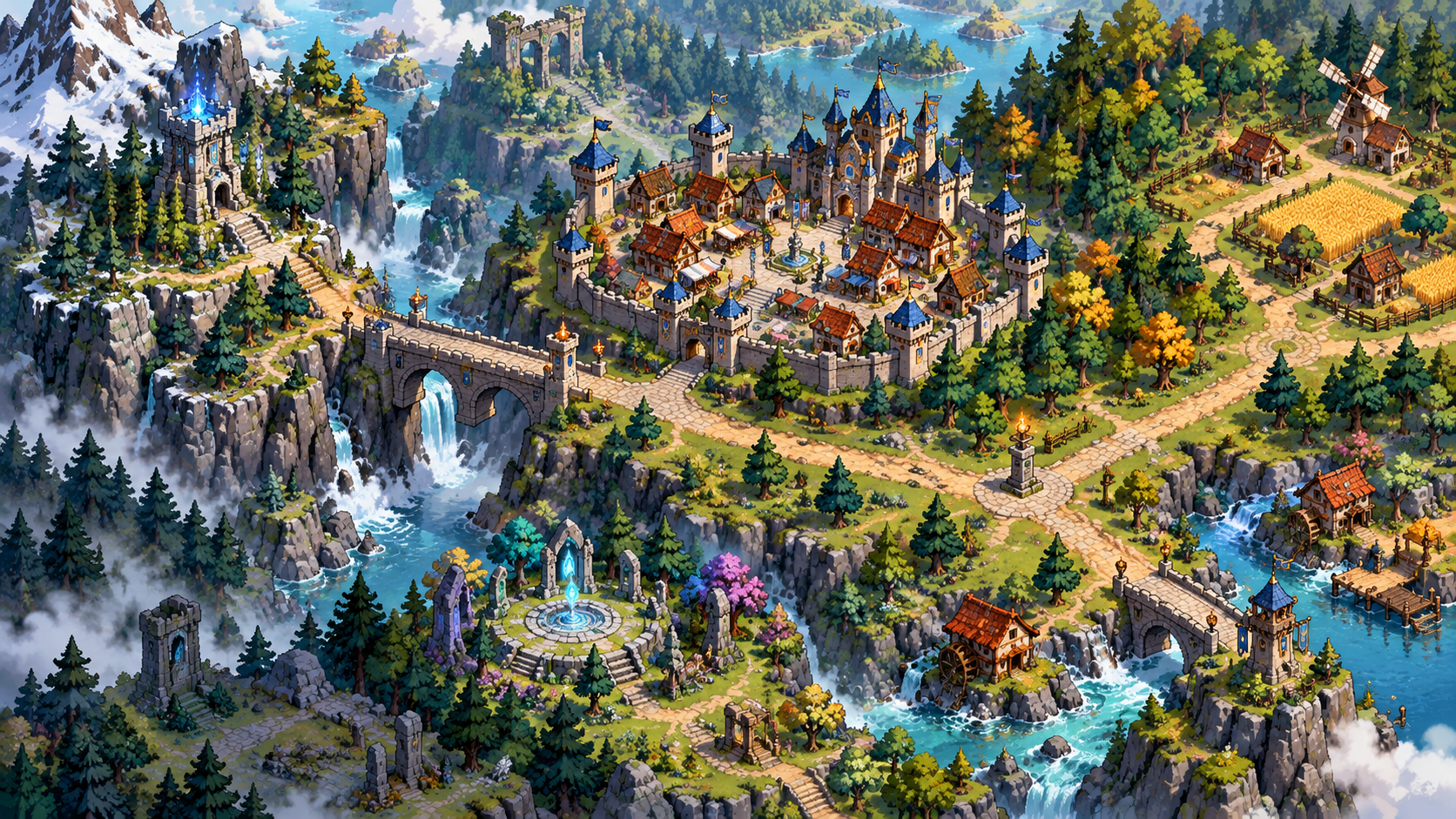
The Steam store names the Exterior Map Editor among the major Early Access worldbuilding tools and describes worlds that include overworlds, interiors, and dungeons. POI and Zone editors are separate but connected tools: the map provides terrain, while POIs and zones give that terrain functional places, boundaries, navigation, and faction context.
Official demo material also confirms image-based black-and-white generation as a way to get a map started. The developer presented it as an available starting option, not as a fully documented import specification, so this guide does not invent file dimensions, thresholds, or menu steps.
Verified map-editing tools
| Tool | Confirmed behavior | Source context |
|---|---|---|
| Brush density | Randomly places the selected tile according to the chosen density | Demo Patch 7 |
| Mix modifier | Randomly draws from selected hotbar slots while painting | Demo Patch 7 |
| Image-based generation | Can provide a black-and-white generated starting map | Official map competition announcement |
| POI Editor | Creates functional places used by world content and the simulation | Steam store and demo editor list |
| Zone Editor | Defines spaces used by navigation, control, conflict, and inspection | Steam store and official patch notes |
| Save protection | Version formats and corruption protection were added before Early Access | Demo Patch 7 |
How the map connects to the simulation
Terrain alone does not explain a living world. POIs can represent places such as buildings or farms, while zones organize larger spaces that populations and factions can navigate or control. Official patches mention footprint-based House and Building POIs, entry markers, farm POIs, zone-to-zone pathfinding, zone capture, and city zones. That makes spatial planning part of simulation design, not only decoration.
The game also separates world definitions from society and content definitions. Races, cultures, religions, factions, NPCs, animals, monsters, items, weapons, armor, and accessories each have their own editor families. A map becomes meaningful when those definitions are placed into its POIs and zones and allowed to interact through the simulation.
A practical, evidence-safe planning method
- Decide the purpose of the test world. Choose one interaction you want to observe rather than attempting a maximal map immediately.
- Block out distinct spaces. Leave enough separation for places, routes, and zones to be readable when inspecting the simulation.
- Use density and mixing for variation. Those two officially documented brush tools can reduce repetitive tile placement without implying an undocumented procedural generator.
- Add POIs and zones deliberately. Treat them as simulation structure, then continue with the dedicated POI and Zones guide.
- Test before scaling up. Inspect navigation and simulation behavior in a small area before investing in a massive world.
This is a planning framework derived from the confirmed editor relationships, not a claim about a mandatory in-game sequence. Use the current tutorial and F1 guidebook for exact controls.
Official sources
- Fantasy World Manager on Steam — official Early Access description, editor list, platform information, and confirmed scope
- Fantasy World Manager Steam announcements — developer launch posts, demo patch notes, and roadmap clarifications
Frequently asked questions
Can Fantasy World Manager create a map from an image?+
The developer officially confirmed image-based black-and-white generation as an available way to start a map. No stable official specification for image size or exact import steps was published in the sources reviewed here.
What does the density slider do?+
Demo Patch 7 says it randomly places the selected tile according to the density chosen for the brush.
What is the Mix modifier?+
Demo Patch 7 says it randomly places tiles from selected hotbar slots while drawing, allowing several chosen tiles to be mixed.
Are POIs and zones part of the map editor?+
They are confirmed as separate editors that work with the map. POIs define places; zones organize spaces used by navigation, control, and simulation systems.
Related guides
POI and Zones Explained
Understand how points of interest and zones organize locations, territory, and the spaces where the simulation unfolds.
Prefabs Guide
See how reusable editor-made content fits into world creation and the Workshop support confirmed for Early Access launch.
Simulation Guide
Learn how created races, cultures, religions, factions, NPCs, creatures, and monsters feed the underlying world simulation.
Beginner Guide
Get oriented with the creator-led main mode, major editors, and simulation foundation before shaping your first living fantasy world.